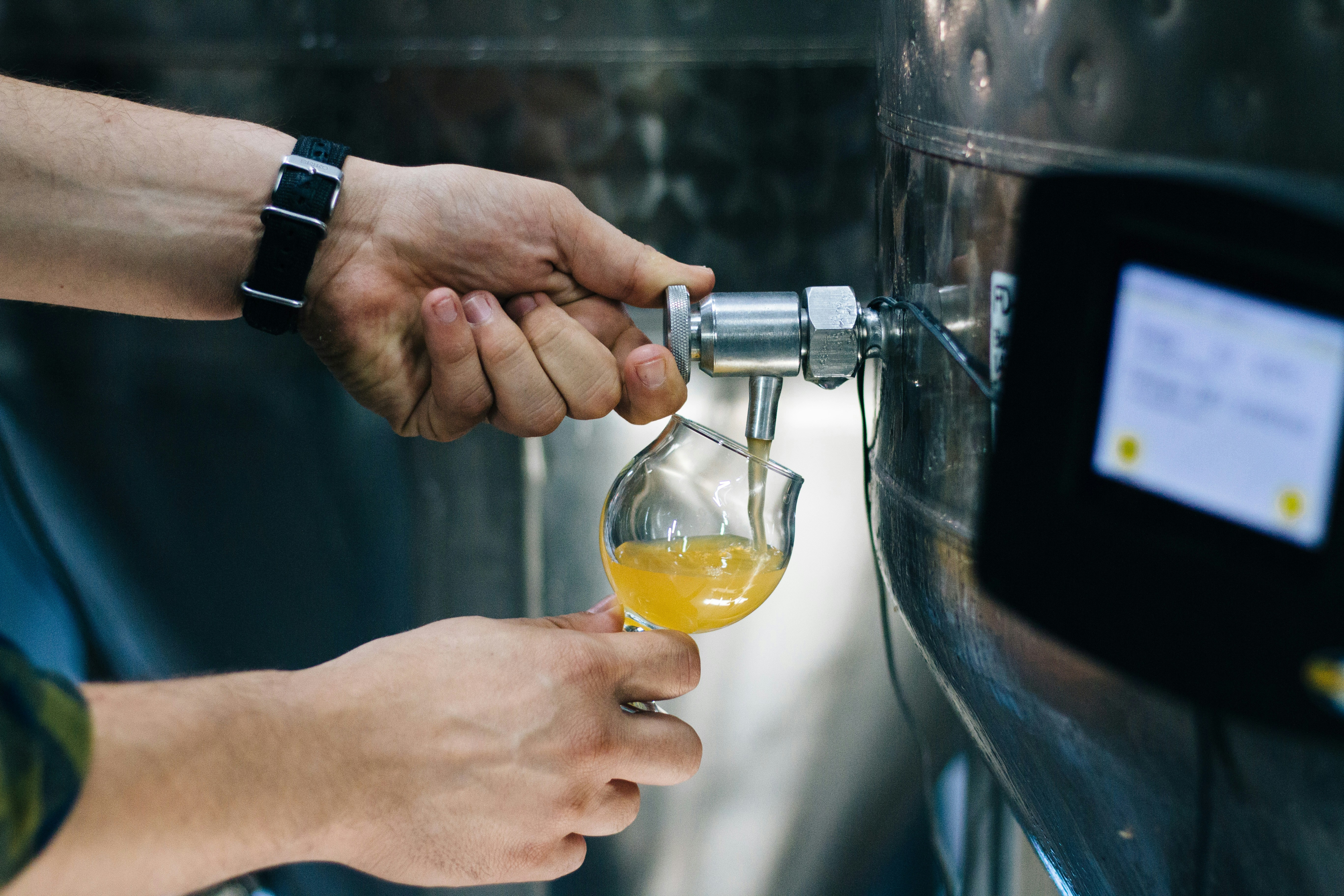
How did I come up with this topic?
Recently I’ve been setting up some coding enviroment on a personal computer, so the command https://brew.sh/homebrew shows up many times. I always just did Ctrl C and V with the commands but never dived deeper into it in my coding life. But it caught my eye for the first time because I found that the English word “homebrew” is exactly the meaning of the Chinese word “家酿”, which is the name of the club established by lots of genius computer pioneers that I heard and read about in some classic stories.
The Club Homebrew and the package manger Hombrew
Actually, the homebrew tool created in 2009 by https://mxcl.dev/homebrew/Max Howell has nothing to do with the https://en.wikipedia.org/wiki/Homebrew_Computer_Clubhomebrew club established in 1975, which was the birthplace of the microcomputer revolution. It was at a meeting of this very club that Wozniak first demonstrated the Apple I prototype. The package management tool name pays tribute to the great club, hats off to the DIY spirit and community sharing spirit. Back in 1975, the club members were not satisfied with the monopoly of computers by the large companies and they DIY by themselves. And in the 21st Century, developers hate the hard-to-use package management tools and Max DIY a more intuitive brand new one. In the early days, the club members shared the punched cards and blueprints, and now the engineers all over the world share brew Formulae on Github.
What is Homebrew and what does it do?
Homebrew is the most popular package manager for macOS (and Linux). Its slogan, “The Missing Package Manager for macOS”, highlights its core purpose: installing developer tools and applications that Apple didn’t include out of the box. Homebrew has a series of creative naming:
| Term | Metaphor in Chinese | Real-world Meaning |
|---|---|---|
| Formula | 配方 | A software package definition (usually CLI tools like git or python). |
| Cask | 木桶 | An extension for installing macOS native GUI apps (like Chrome or VS Code). |
| Bottle | 瓶装酒 | A pre-compiled binary packa ge. (So you don’t have to build from source!) |
| Tap | 水龙头/酒桶架 | A third-party repository. Adding a tap lets you access more “flavors” of software. |
| Cellar | 地窖 | The local directory where your installed software lives (/opt/homebrew/Cellar). |
| Keg | 小桶 | A specific version of an installed formula within the Cellar. |
The Key Capabilities:
- Dependency Management: It automatically installs all the “ingredients” (libraries) a software needs to run.
- Versioning: Easily switch between different versions of a tool.
- Clean Uninstalls: No more searching for hidden files; one command removes everything.
The evolution of Homebrew:
- 2009: Created by Max Howell. It quickly replaced older tools like MacPorts because it didn’t require sudo for every command and used existing macOS system libraries.
- The Cask Revolution: Originally a separate project, Homebrew Cask was merged into the main project to allow installing full .app bundles via the CLI.
- Apple Silicon Support: With the move to M1/M2/M3 chips, Homebrew shifted its default path to /opt/homebrew to avoid conflicts with Intel-based system files.
Common Commands
- brew update: Get the latest list of formulas.
- brew install : Install a CLI tool.
- brew install –cask : Install a GUI application.
- brew doctor: Check your system for potential issues.
- brew cleanup: Remove old versions and clear up space.
Deep Dive into Homebrew: Architecture & Mechanics
The Core Engine: Ruby & DSL
At its heart, Homebrew is a collection of Ruby scripts.
- DSL (Domain Specific Language): Each “Formula” is actually a Ruby class. Homebrew defines a custom DSL that makes it easy to describe where to download a file, how to verify its checksum (SHA-256), and what flags to pass to the compiler (e.g., make install).
- The Execution: When you run brew install, the Ruby interpreter parses the formula and executes the installation steps in a “sandbox” to ensure your system stays clean.
The Repository System: Git-Based
Unlike many Linux package managers that rely on complex database backends, Homebrew uses Git for everything.
- Git Taps: When you “tap” a repository, you are essentially performing a git clone. The core formulas live in a GitHub repository called homebrew-core.
- Versioning via Commits: Because it’s Git-based, “updating” Homebrew (brew update) is just a git pull. This allows Homebrew to track history, roll back changes, and manage contributions through Pull Requests.
Filesystem Hierarchy: The Prefix
Homebrew’s most brilliant move is how it handles the installation path to avoid messing with macOS system files (/usr/bin).
The Prefix:
- On Intel Macs: /usr/local
- On Apple Silicon (M1/M2/M3): /opt/homebrew
Symlinking (The Magic):
- Software is installed into its own versioned folder in the Cellar (e.g., /opt/homebrew/Cellar/wget/1.21.1/).
- Homebrew then creates Symbolic Links (symlinks) from that folder into the bin folder of the prefix (e.g., /opt/homebrew/bin/wget).
- Because /opt/homebrew/bin is added to your $PATH, you can type wget in the terminal and it just works.
Bottles: Pre-compiled Binaries | Bottle:预编译二进制包
In the early days, Homebrew always compiled software from source code on your machine. This was slow.
- What are Bottles? They are pre-compiled versions of formulas hosted on Homebrew’s servers.
- How it works: When you run install, Homebrew checks if a “Bottle” exists for your specific macOS version and CPU architecture. If it does, it simply pours the “bottle” (extracts the archive) into your Cellar, saving you minutes or hours of compilation time.
People often take the tools they use every day for granted, yet every tool that becomes a staple of our workflow possesses its own brilliance, offering unique philosophies and techniques we can learn from. It is only through constant learning and accumulation that we can create truly exceptional things in the field of technology.